
Events that speak your language.
Live AI Translationfor Every Attendee,Directly on Their Phone.How it works
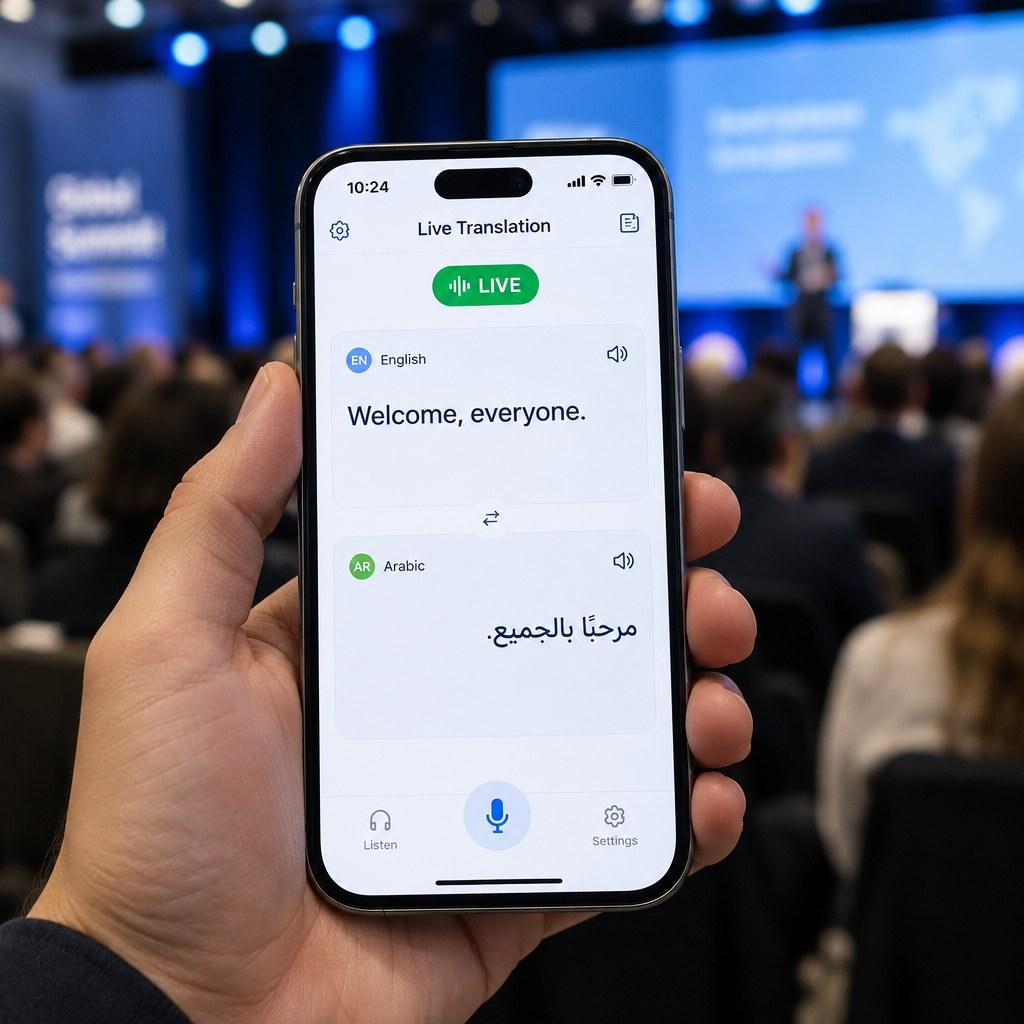
Real-time AI translation for conferences, events, panels and live presentations. Everyone in the room hears the same moment, in their own language, on their own phone.
- Conferences
- Panels
- Summits
- Meetings
- Exhibitions
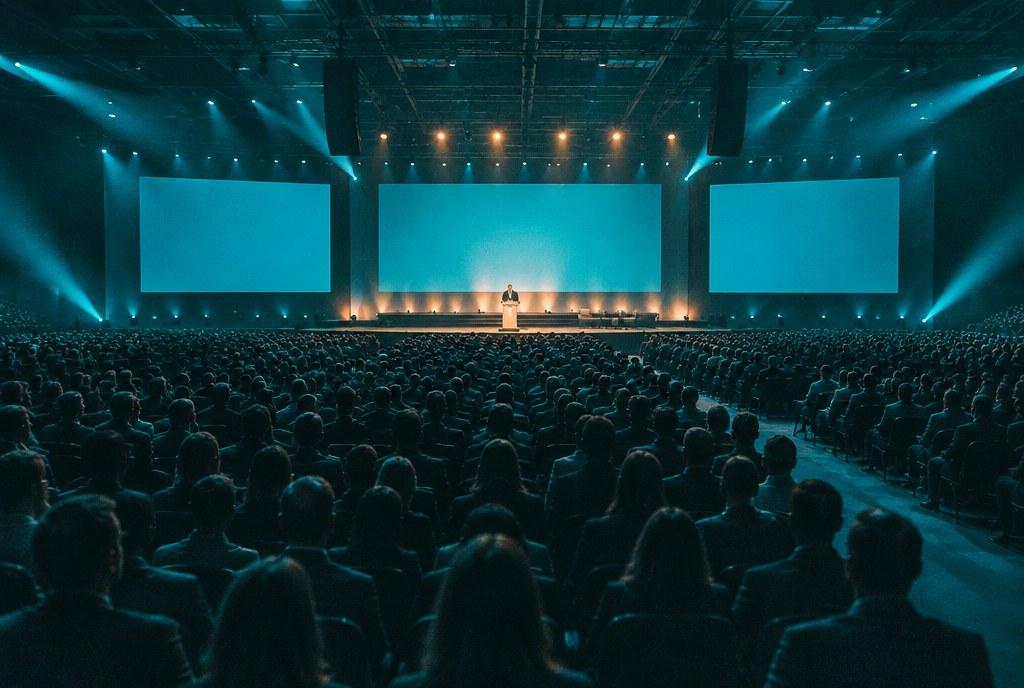

Built forLive Events.
Eight things an organiser needs to know before saying yes.
- Languages
- 80
- Translation delay
- A few seconds
- Simultaneous attendees
- 5,000+
- Captions & audio
- Both
- Access
- QR code
- Devices
- Any phone
- Connectivity
- Internet
- Data & security
- Not recorded
Speak in any, listen in any. Every language open at every event.
Behind the speaker, like a human interpreter.
At once, from one laptop and one microphone or the room's sound desk.
A natural voice through earphones, with subtitles on screen.
Or a short code. No app to install, no account to create.
iPhone or Android, in the browser they already use.
Guests use venue Wi-Fi or mobile data. The operator laptop needs a stable connection.
Nothing is kept unless the organiser keeps the transcript. Voice samples are never stored.
From the stageto every seat.
The speaker changes nothing. Everyone in the room hears the same moment, in the language they chose.
- Step 1
The speaker speaks.
A microphone, the mixer or a laptop near the sound desk. Nothing changes on stage.
- Step 2
Understood and translated, live.
Each sentence is translated as it is spoken, a few seconds behind, like a human interpreter.
- Step 3
Every language, open at once.
Guests pick any language by name or native script, and can switch at any moment.
- Step 4
Heard on every phone.
A natural voice through earphones, with subtitles on screen.
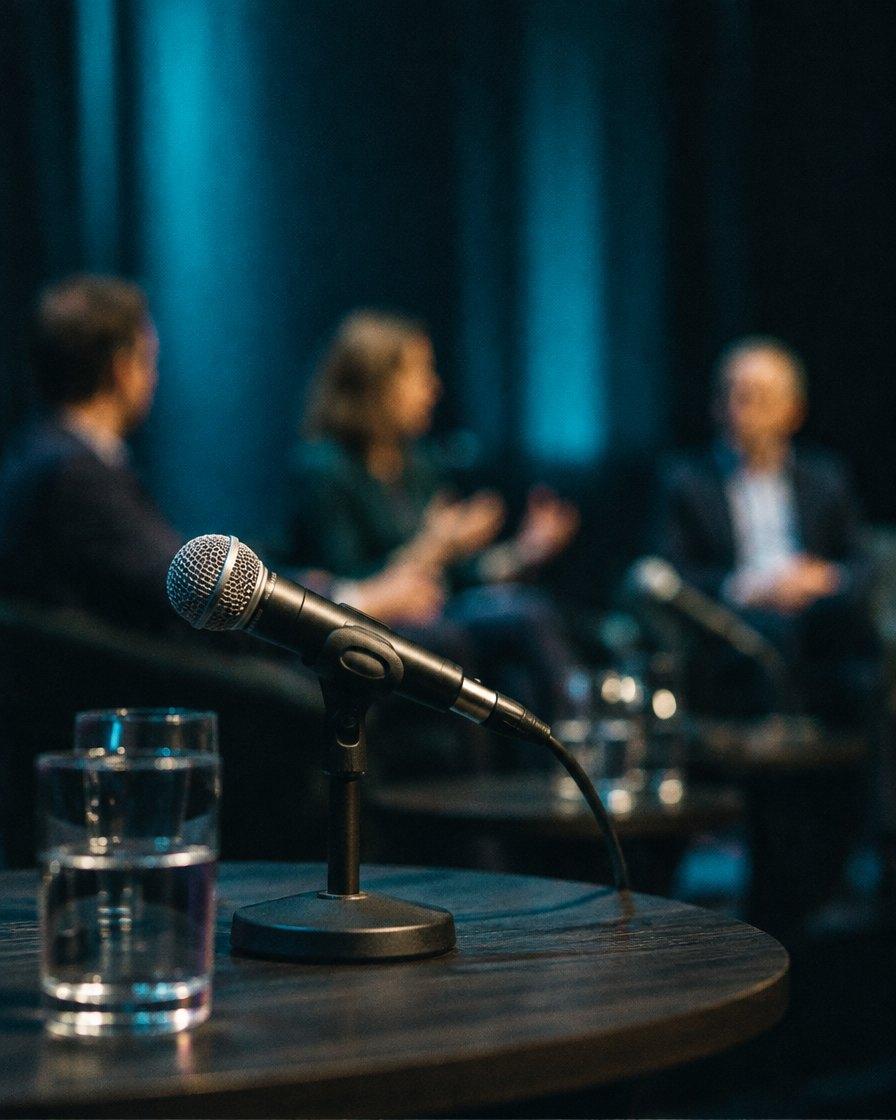
Vivra vstraditional translation.
Less to hire, ship, set up and collect. The same moment, heard in every language.
- Who translatesTraditionalInterpreters, usually a team per languageVivraAI live translation, no booth
- EquipmentTraditionalBooths, consoles, receivers and headsetsVivraAttendees' own phones
- Reaching guestsTraditionalReceivers handed out, then collectedVivraA QR code, opened in the browser
- LanguagesTraditionalSet in advance, one channel eachVivraEvery language open at once
- In the roomTraditionalPhysical installation before the eventVivraOne laptop near the sound desk
Vivra is AI translation. Professional interpreters remain the right choice for some sessions, and where certified human interpretation is required the two can work side by side.
One microphone, a full panel,or something in between.
Three ways to bring speakers in. Choose per event, and switch while live.
 01
01Moderator control
One console. You decide who is on air.
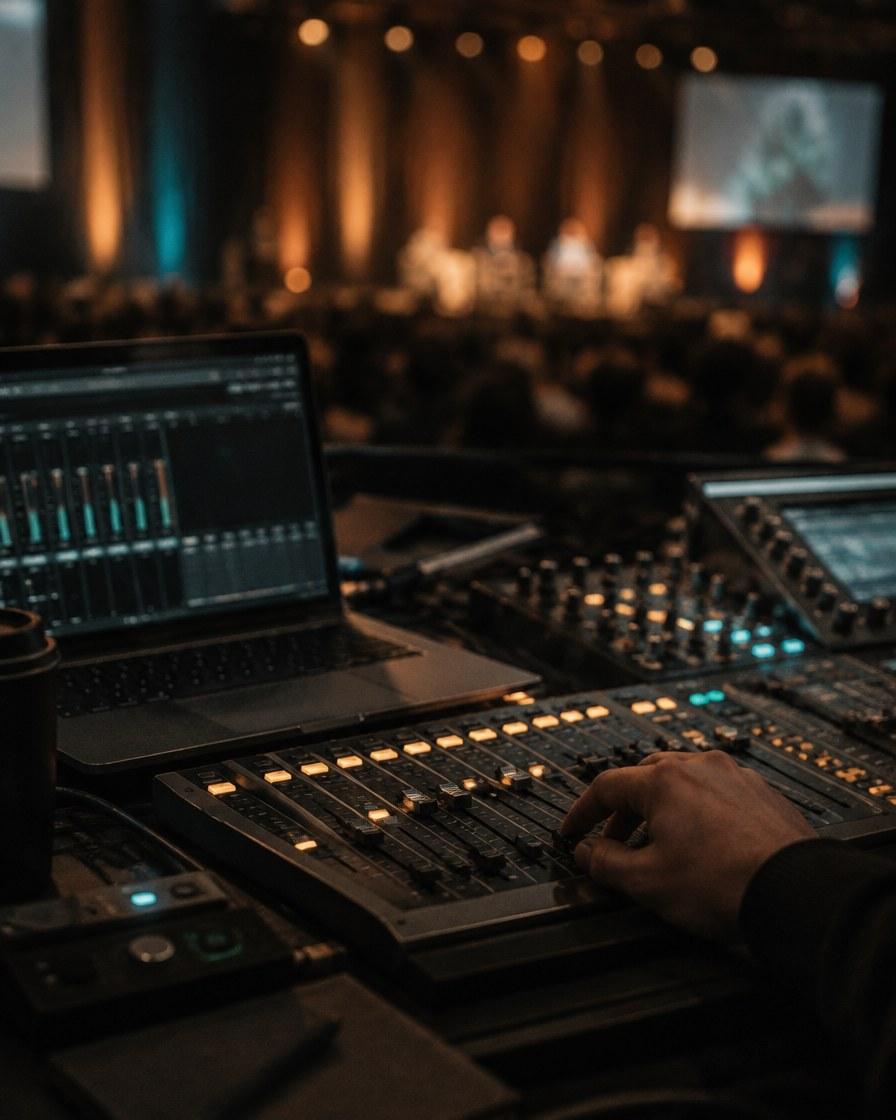
Sound comes into one laptop near the desk: a microphone, the mixer, a browser tab or a video. When a new person starts talking, the moderator taps their name and the translation follows.
Best forKeynotes, moderated sessions, streamed video
 02
02Multi-mic
Every speaker on their own microphone.
Vivra listens to all microphones at once and follows whoever is talking, even when the discussion jumps across the table. The moderator can lock the floor on one person at any moment.
Best forDebates, panels, boardrooms and round tables
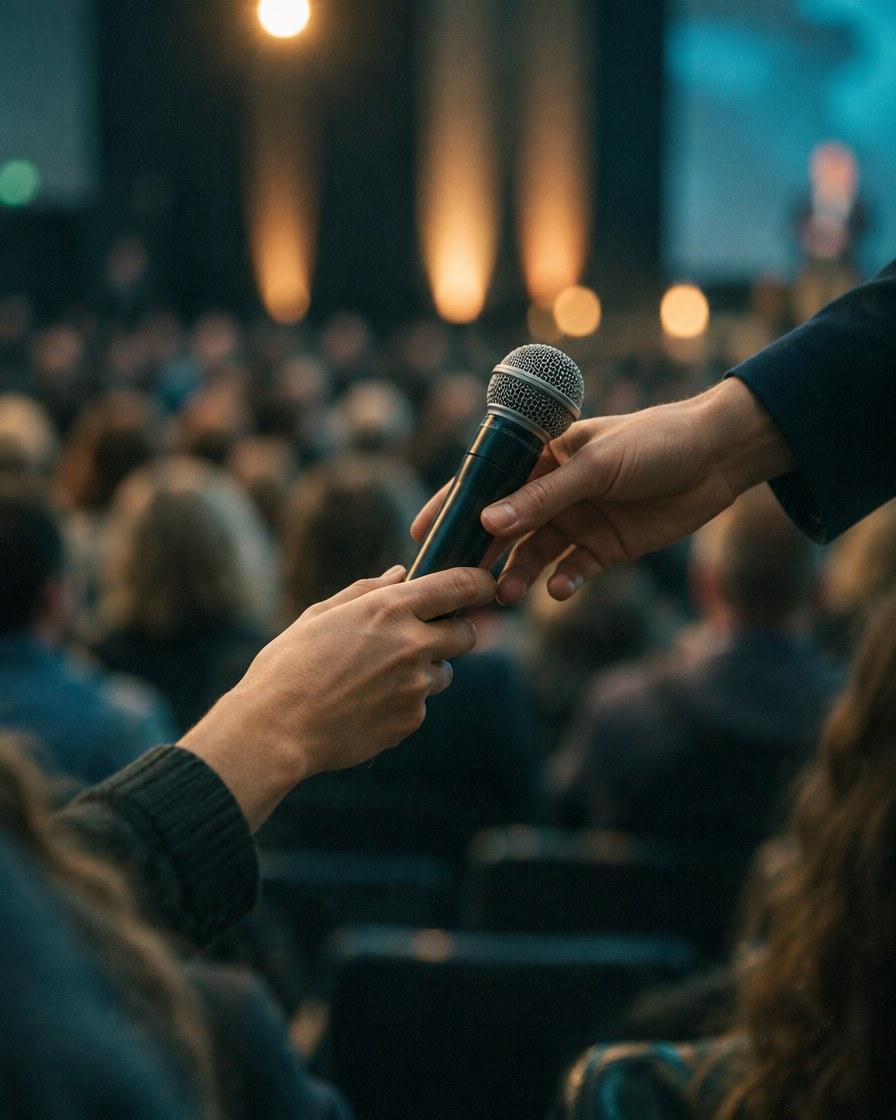 03
03Voice ID
One shared microphone. The voice says who is speaking.
Each speaker records a short voice sample before the session. During it, Vivra recognises who has the microphone and names them in every caption.
Best forPodiums, passed microphones and Q&A
Bring Live Translationto Your Next Event.
Tell us the venue, the expected audience and the languages in the room. We'll walk you through a live session and how guests join.
- info@vivra.ai
- Phone
- +971 50 216 4876
- Global HQ
- Dubai, United Arab Emirates